
GTA 6 and dead PS5 consoles: what is known about overheating, smoke and crashes
· SixStash
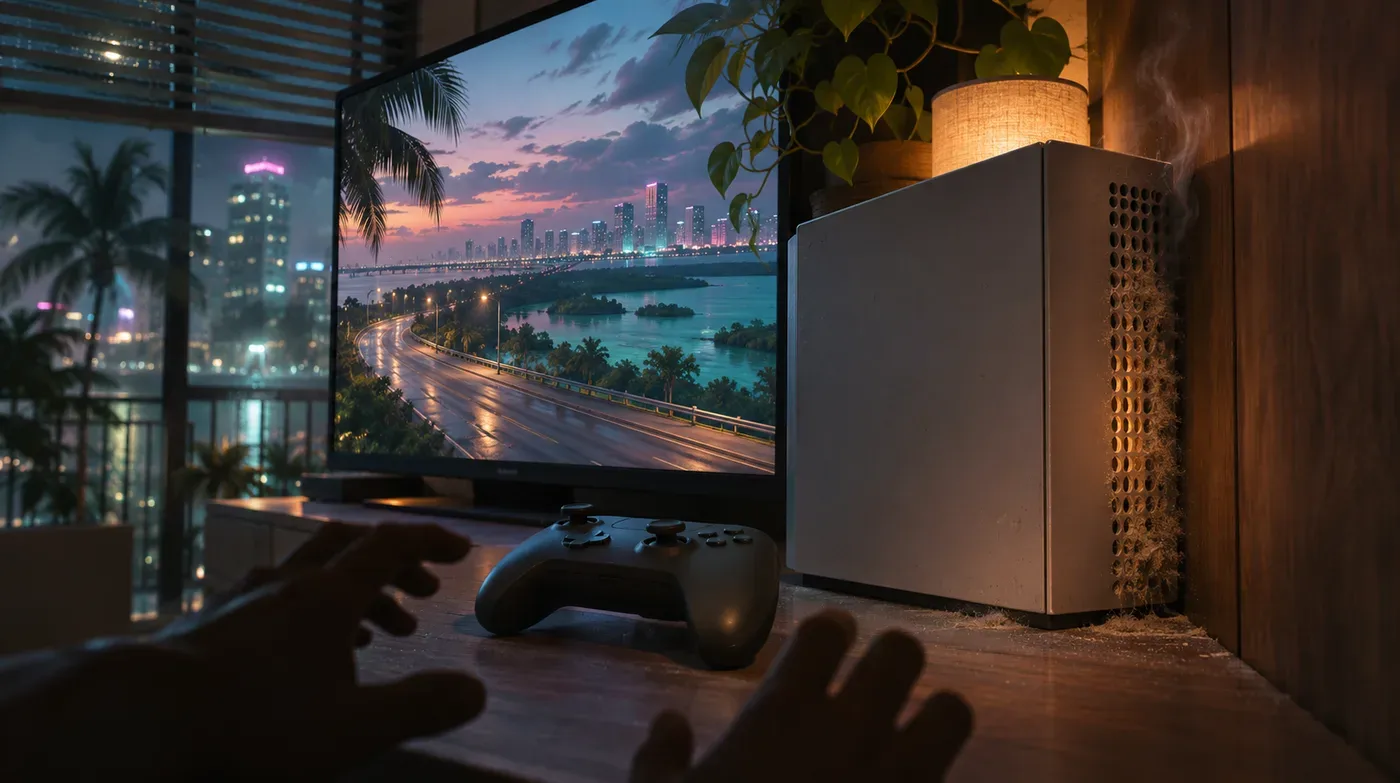
Two streamers say their PS5 died during a GTA 6 session, one of them with smoke in the room. A technician measured up to 274 watts: high, but within the console's limits according to Notebookcheck. There is no proof that the game breaks consoles. Keep the vents free and don't play through a heat warning.
Two PS5 consoles have died in front of an audience during GTA 6, and since then people have been staring at their vents. The short answer first: nothing proves that the game destroys consoles. One measurement suggests that it works the PS5 harder than most games, and several outlets think this may expose weak spots that were already there.
What happened to the two PS5 consoles?
- JoJoJosiah, posted on 21 November. The Twitch streamer paused GTA 6 for a toilet break. Back at the desk, the room was full of smoke, and the smoke alarm went off. JoJoJosiah pulled the plug, was unhurt and needs a new console. Some outlets write that the console caught fire; JoJoJosiah's own post only speaks of smoke. Whether GTA 6 played any role is unclear, says Dexerto.
- shivjam, posted on 24 November. While riding a quad bike, the picture froze and green artifacts ran across it. After that the PS5 would not start. Commenters suspected dust, so shivjam opened the case and showed very little of it. Notebookcheck adds that the console stood in a well-ventilated place.
Both posted the moment on X themselves. Notebookcheck names JoJoJosiah's machine as a standard PS5; Tom's Guide in France writes that the model is unknown.
How much power does GTA 6 draw on PS5?
The repair technician modyfikatorcasper put a power meter between console and socket:
- 220 watts with Jason simply standing next to a car
- 274.2 watts at full load
For comparison, Notebookcheck and TweakTown give two more values:
- 180 to 220 watts is where typical games often peak
- 340 to 350 watts is what Sony designed the PS5 for
So GTA 6 sits at the upper end, but inside the budget. The technician calls it the toughest real-world stress test for the PS5 they have seen. The technician's post on X goes further and speaks of a "PS5 blackout". The evidence does not support that so far: one measurement on one console is a hint, not a study.
Is GTA 6 to blame?
Nobody has shown that. The technician suspects the cooling of older base models: between chip and heatsink the PS5 uses liquid metal, and it can shift. Newer standard models and the PS5 Pro were changed to limit leaks, Notebookcheck writes. A game that demands a lot for hours then finds the weakness. That is a plausible theory, not a finding.
The scale matters, too. Sony counts more than 39 million players on PS5, and TweakTown counts only a handful of public cases of dead consoles, even if it also says that reports are piling up. The site says it is too early to tell whether the game is at fault or is pushing old consoles that were about to go anyway. VGTimes mentions similar reports from Xbox. Neither Sony nor Rockstar has commented, TweakTown and Tom's Guide write.
You may read of consoles that reach 100 degrees. Tech4Gamers passes that on from posts by players; Tom's Guide calls such readings impossible to verify. We do, too.
Is this the same as error CE-108255-1?
Probably not. Far more people report crashes than dead hardware, says TweakTown, and the most frequent code is CE-108255-1. The milder crashes could come from the software rather than the hardware, Notebookcheck writes. The update of 23 November did not name the code, and according to Notebookcheck and TweakTown the error still occurs afterwards. A crash to the home screen is annoying. By itself it does not mean that your console is dying.
How do you protect your PS5 while playing GTA 6?
Sony's own support page is short and sensible:
- Space: at least 10 centimetres free on every side, vents never covered.
- Surface: no carpet or rug with long fibres.
- Place: no narrow compartment, however nice it looks under the TV.
- Dust: pull the power cable first, then use a low-powered vacuum cleaner on the vents.
A loud fan alone is no alarm, says Sony: it is simply cooling harder. A paused game keeps running and heating, Tom's Guide writes. Our conclusion: close GTA 6 if you leave for longer. And if a heat warning appears, the site advises, quit and let the console cool down before you go on.
Two more things from us:
- Smoke or a burning smell: pull the plug if you can reach it safely, and don't switch the console on again. If you see flames, leave the room and call the fire service. Never use water on a plugged-in device, and don't open the power supply.
- A dead console: contact Sony support or your dealer before you unscrew anything, and check your warranty. In France, Tom's Guide reminds readers, the legal guarantee for a console bought new lasts two years. In your country it may differ.
Save by hand before long sessions as well: GTA 6 has 15 slots, and our beginner guide tells you when they pay off.
Should you stop playing?
No. Millions play without trouble. Give the console air, take warnings seriously and don't let it run unattended for hours. If yours has shut down during GTA 6, write in the forum which model you have and what happened right before. That helps more than another scary headline.
Watch it
- shivjam on X: the moment the picture breaks up (shivjam)
- JoJoJosiah on X: smoke in the room after a break (JoJoJosiah)
- modyfikatorcasper on X: measuring the PS5 in GTA 6 (modyfikatorcasper)
Read next
- Today in Leonida: GTA 6 empties PS5 shelves, and a fan counts 1,563 open buildings
- GTA VI crashes with error CE‑108255‑1 on some PS5s, blocking story progress for players
- GTA 6 update 01.002.002 patch notes: seven fixes for crashes, autosave and phone calls
- GTA 6 on PS5 vs Xbox Series X: Digital Foundry ranks Series X ahead of the base PS5
- GTA 6 Beginner Guide – Controls, Settings, Health, Money & Survival Tips for Your First Hours